Reviews
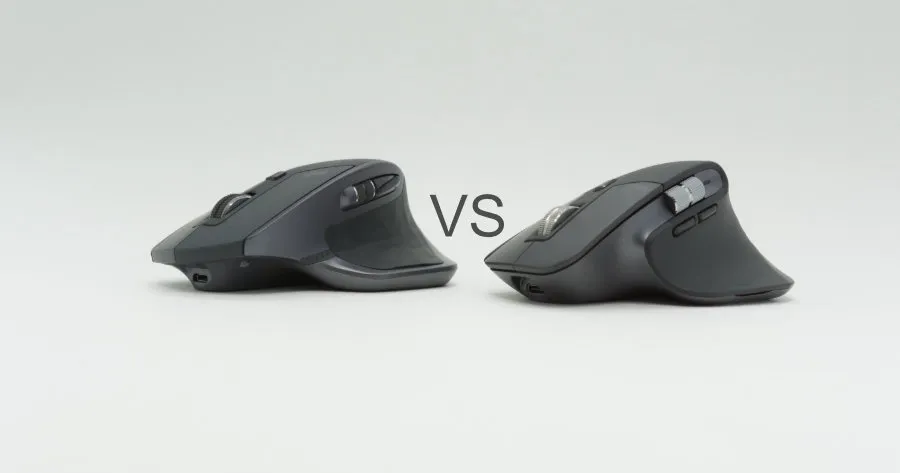
Logitech MX Master 2S vs 3 — which one to buy
Comparing the Logitech MX Master 2S and MX Master 3. Shape, thumb wheel, side buttons, charging — and which one to pick by use case.


02 — Category
After the honeymoon.
Page 2 of 4
Comparing the Logitech MX Master 2S and MX Master 3. Shape, thumb wheel, side buttons, charging — and which one to pick by use case.
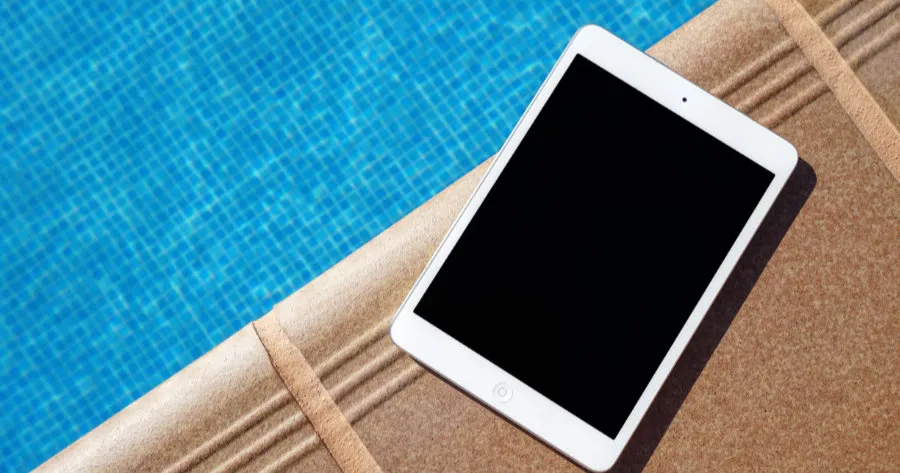
Who the iPad mini is actually for. A use-case-driven comparison with the standard iPad and iPad Air, plus how to pick storage and Cellular, and what changed between the current mini 7 and the older mini 6.
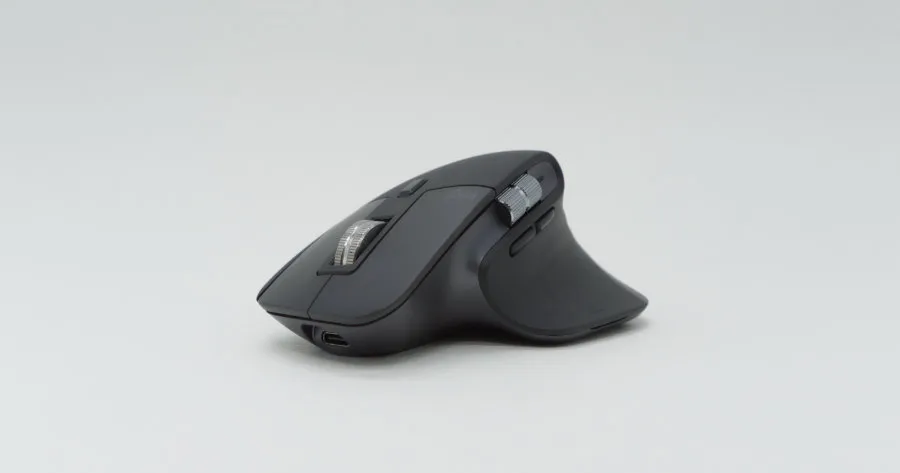
A year-plus with the Logitech MX MASTER 3 at work and at home. Focused on the deltas from the 2S — USB Type-C charging, the MagSpeed wheel, and the redesigned thumb wheel.
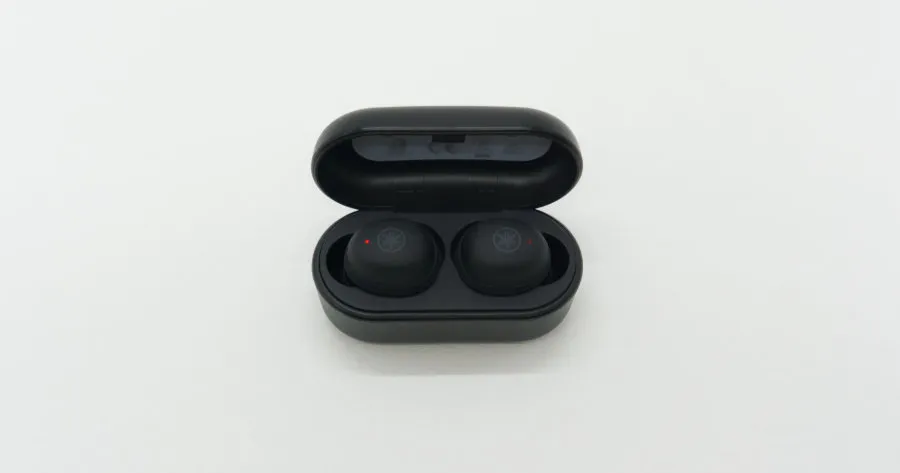
A year of commuting with YAMAHA's first-generation true wireless earbuds, the TW-E3A. Honest tuning and a secure fit are the strengths; the deep physical-button press is the weakness.
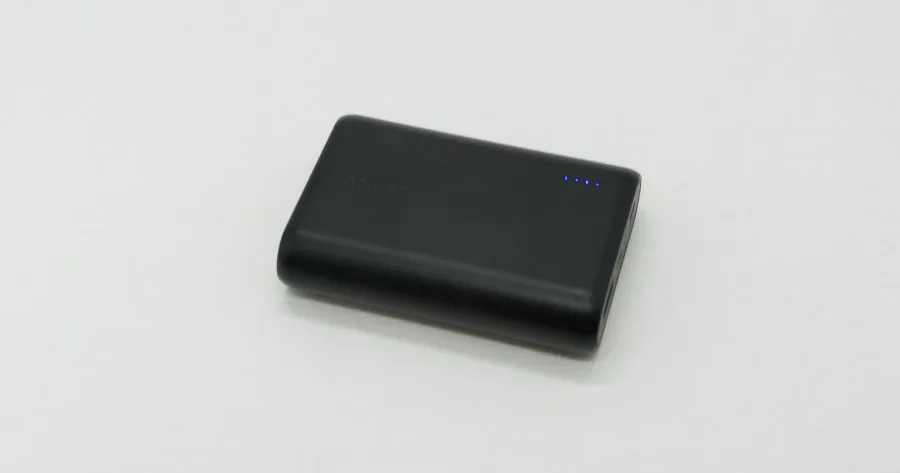
A review of the Anker PowerCore 10000 after several years as my main battery. Compact and light for the 10000mAh class, but the USB Type-A / micro-B I/O ages poorly against today's Type-C cables.

Spec criteria for buying a Windows laptop for learning to code, side projects, or a career change, plus how it stacks up against MacBook and Linux laptops. 16 GB RAM and Core i5 / Ryzen 5 as the working baseline, with picks by use case.
Picking a MacBook for programming. The Air is the default — web and mobile development run fine on it. The Pro 14 earns its keep for ML or heavy Xcode work; the Pro 16 only if you drive multiple external monitors or run long builds. Here's the use-case framework and realistic RAM and CPU targets.
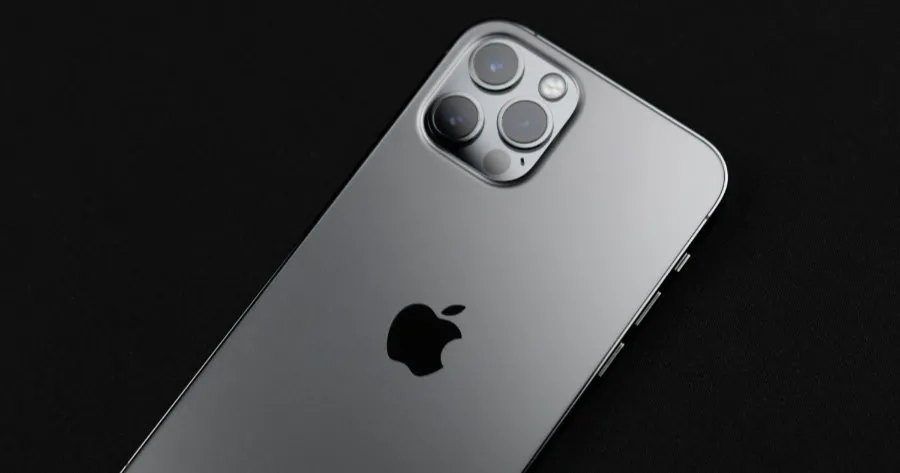
How to choose between the iPhone 12 line-up (standard, mini, Pro, Pro Max). As the first 5G-rollout-year iPhone, the question of which one to pick — mini, standard, Pro, or Pro Max — comes down to use case, summarized with a table and FAQ.
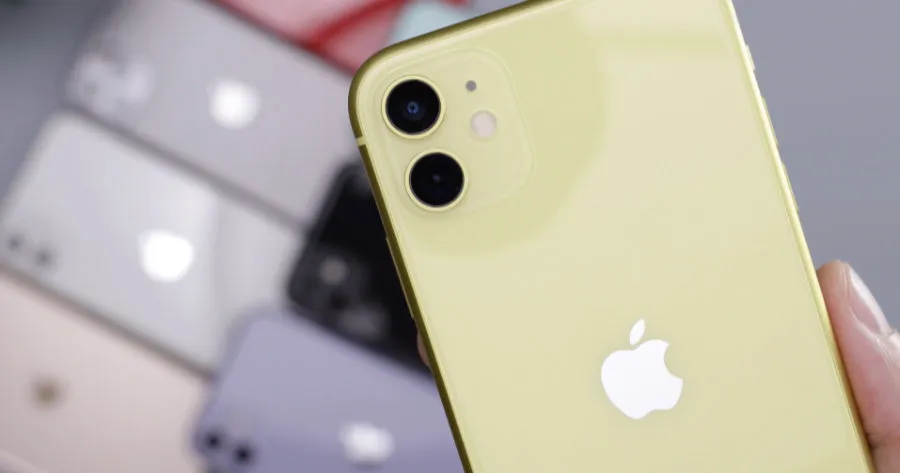
iPhone 11, 11 Pro, and 11 Pro Max compared along three axes: screen size, camera, and display quality. Framed to the 2021 release window, with a use-case-by-use-case verdict.

Picking a monitor for programming is 80% the same as a general office pick; the other 20% is pivot support and how many lines of code you can see at once. Start from 24-inch, full HD, matte, pivot-capable, and use that base to decide on dual, vertical, or 4K.

How to pick an HDMI cable, sorted by version (1.4 / 2.0 / 2.1) and use case. 2.0 for 4K60Hz, 2.1 for 4K120Hz or 8K, 1.4 is enough up to Full HD. Length, connector shape, and cert checkpoints included.

For anyone who wants to free up desk space and adjust monitor height freely, this piece walks through how to pick a monitor arm. Get three things right — VESA mount, load capacity, and mounting style (clamp) — and the price band doesn't really matter.